On this page
To price check a CS2 skin, first identify the exact item, then compare it with genuinely similar evidence, and finish with a range that matches the way you intend to sell it. The name of the weapon and finish is only the starting point.
This guide is for players who want to buy, list, trade, or simply understand an inventory item without mistaking one optimistic listing for a market value. It gives you a short workflow, shows what can change the price, and explains when the honest answer is “the evidence is too thin for a precise number.”
Direct answer: the best CS2 skin price check is a documented range based on the same item variant, recent comparable activity, and the settlement you actually want. A live ask can inform that range, but it does not prove a sale.
Use this seven-step CS2 skin price-check workflow
| Step | What to record | Why it matters |
|---|---|---|
| 1. Identify the item | Weapon, finish, exterior, StatTrak or Souvenir status | A similar-looking variant may be a different market item |
| 2. Inspect the attributes | Float, pattern, stickers, charms, scrape state and trade status | These details can change which comparisons are valid |
| 3. Choose the value type | Steam Wallet, external cash proceeds, or trade value | Each route settles differently |
| 4. Set a clean baseline | Closest ordinary version of the same item | It stops special details being counted twice |
| 5. Collect comparables | Recent sales where available, current asks and current buy interest | Each source measures a different part of demand |
| 6. Make a range | Low, expected and patient-listing case | A range reflects uncertainty honestly |
| 7. Add confidence | High, medium or low based on comparability | It tells you how much trust to place in the estimate |
Do the steps in that order. Starting with a price page before you know exactly what you own is how a generic market price gets mistaken for a rare-item appraisal.
Identify the exact CS2 skin before comparing prices
A price check begins with an item description that another person could reproduce. Save an inspect link or clear screenshots, then write down:
- weapon and finish;
- exterior;
- StatTrak or Souvenir status, where applicable;
- float value and pattern information, if visible;
- every applied sticker, its placement, rotation and scrape state;
- charm or other visible attachment;
- whether the item is currently tradable.
The goal is not to assume every field creates a premium. It is to avoid comparing your item with an item that is not actually equivalent.
Community price-check threads show the same issue repeatedly: a very low float, a distinctive pattern, or a particular craft can produce wildly different guesses when people compare it only to the skin name. In a recent r/cs2 discussion, commenters disagreed sharply about a low-float item until they began looking at closer float comparisons. That is a useful reminder, not a valuation source: community estimates are still opinions unless they point to comparable evidence.
Decide whether you need a Steam, cash or trade value
Before you collect numbers, decide what question you are answering. A skin can have different values depending on the settlement route.
| Value type | Useful for | Do not confuse it with |
|---|---|---|
| Steam Wallet value | Buying or selling within Steam | Withdrawable money outside Steam |
| Cash-proceeds value | Planning a sale with an external payout route | A Steam listing with the same currency symbol |
| Trade value | Negotiating one item for another | A completed cash sale |
Steam’s Subscriber Agreement describes Steam Wallet as a prepaid balance with no cash value outside Steam. That is why a Steam Market reference is helpful but not automatically a cash estimate. Our guide to CS2 skin cash value versus Steam price explains the settlement difference and the costs that can affect net proceeds.
For a cash sale, record the fee and payout route separately from the item price. For an instant quote, record that it is an immediate offer, not a patient-listing target. For a trade, state the reference market and the exact attributes you are accepting in return.
Build a baseline from evidence, not one ambitious CS2 listing
The Steam Community Market has live listings, buy orders and price history for eligible CS2 items. These are useful, but they answer different questions.
| Evidence type | What it can tell you | What it cannot prove |
|---|---|---|
| Live listing | What a seller is currently asking | That a buyer will pay it |
| Buy order | What a buyer is currently willing to offer | That it applies to a special float, pattern or craft |
| Recent completed sale | What a comparable item changed hands for | That the next buyer will pay the same amount |
| Price history | Whether the ordinary variant has moved over time | The value of exceptional attributes |
Steam’s Community Market FAQ explains that buyers can place orders for items and that fees are displayed before the transaction is completed. Use that context to separate the buyer’s total cost, the seller’s result, and the price shown in a generic item view.
For a normal item, begin with several close references from the same exterior and item type. For an unusual item, start with the ordinary version as a clean baseline, then isolate the exceptional feature. This is more useful than treating the highest current listing as a conclusion.
Check float, pattern and appearance as separate questions
Float and pattern can matter, but neither deserves a fixed premium by default. Ask three different questions:
- Is the item in the same exterior category as the comparison? If not, establish a new baseline first.
- Does the exact float or pattern change what a buyer sees or seeks? Inspect it rather than relying on the number alone.
- Are there close completed examples? If there are none, the value is less certain, not automatically higher.
An r/cs2 guide about shopping by wear makes a practical point: two items with close float values can look different depending on the finish and pattern. That is community advice rather than official documentation, but it supports a sensible checking habit: use the inspect view and compare the actual item, not only the decimal.
For an ordinary item, float may only help you choose the better-looking listing within your budget. For an exceptional item, it may be the feature that creates collector demand. The evidence threshold should rise with the claim: “slightly cleaner than average” needs less proof than “rare enough to command a large premium.”
Price check stickers, charms and special variants without double-counting
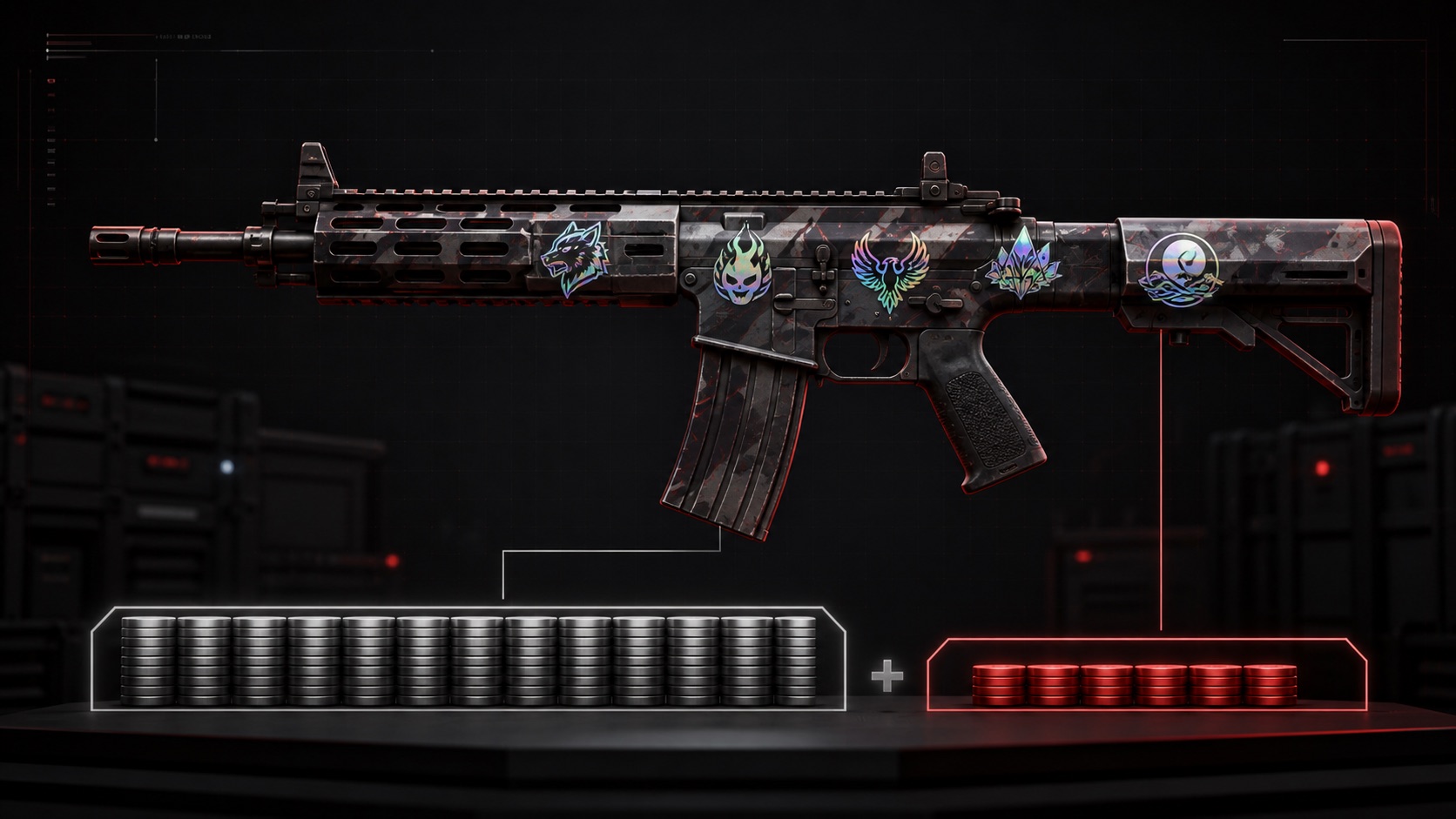
Applied stickers are part of the item, not separate inventory. Start with the clean baseline, then look for sales of the same or closely comparable craft. The question is not “what do the stickers cost alone?” but “what extra amount have buyers paid for this specific combination?”
Use this order:
- Match the base skin and exterior.
- Match the sticker edition, placement, rotation and scrape state.
- Check whether the craft is coherent or mixed, and whether the sticker is actually visible in an inspect view.
- Compare completed examples before active offers.
- Widen the range whenever you loosen a match.
Our guide to how much stickers add to a CS2 skin’s value covers sticker percentage, permanent application and the limits of using standalone sticker price as a shortcut. The same principle applies to charms and special variants: record the attribute, search for close evidence, and do not add a headline number simply because the feature is scarce.
Turn the evidence into a price range and confidence label
Once you have comparable data, write three figures instead of one:
| Output | Meaning | When to use it |
|---|---|---|
| Lower / quick-sale range | A conservative figure supported by the closest evidence | You value speed or want a floor for negotiation |
| Expected range | The middle of the evidence after reasonable adjustments | You need a normal listing or trade reference |
| Patient-listing range | A higher ask that needs a specific buyer and time | You understand that it may not sell quickly |
Then add a confidence label:
- High confidence: several recent, closely matching comparables.
- Medium confidence: a sound clean baseline plus partial matches for the special feature.
- Low confidence: few or no close sales, a highly unusual pattern or craft, or evidence that is mostly live listings.
Low confidence is not a verdict that the item has no premium. It is a warning that the premium has not yet been demonstrated by enough public evidence.
Copy this CS2 skin price-check worksheet before you list
Item: [weapon | finish | exterior | StatTrak/Souvenir]
Exact attributes: [float | pattern | stickers + placement + scrape | charm]
Trade status: [tradable now / date]
Value target: [Steam Wallet / cash proceeds / trade]

Clean baseline: [range + where/when observed]
Closest comparable 1: [price | date | what matches | what differs]
Closest comparable 2: [price | date | what matches | what differs]
Closest comparable 3: [price | date | what matches | what differs]

Adjustment notes: [why this item may sit above/below baseline]
Estimated range: [low / expected / patient-listing]
Confidence: [high / medium / low]
Next review date: [date]
This worksheet also makes a future decision easier. If the item does not move, you can revisit the range with new evidence instead of guessing whether the first number was right.
Avoid turning a price check into a CS2 trade-security mistake
A price estimate does not make an unsolicited offer trustworthy. Steam’s recommended trading practices state that the trade interface does not support money transfers. Keep the price-check process separate from unexpected direct messages, payment screenshots, pressure to use a particular intermediary, or requests to sign in through unfamiliar links.
If you are choosing a route to sell rather than valuing a single item, compare the documented trade model, payout conditions and account protections on our CS2 skin marketplaces and sell CS2 skins hubs. An instant-sell route can solve a speed problem, but it should be assessed as an offer with its own terms rather than as proof of the skin’s maximum market value.
A defensible CS2 skin price is a range with evidence behind it
The useful question is not “what is this skin worth?” in isolation. It is “what does this exact item appear to be worth through this settlement route, based on these comparable transactions, today?”
Identify the item precisely, choose the right value type, separate asks from completed evidence, and make the uncertainty visible. That will produce a more honest price check than a single number, especially when a float, pattern, sticker craft or charm makes the item unusual.